Password Recovery
 Passper.or.PowerPoint PPT Password Cracking Tool
2024-09-06 09:01:28
Passper.for.PowerPoint [PPT password cracking tool to remove protection restrictions] download address, the content is the same, choose a commonly used network disk and copy it to the browser to download!
Baidu network disk: https://pan.baidu.com/s/1UhEpEkzOcbvZPtrc847jmA?pwd=3bhi Extraction code: 3bhi
Thundercloud disk: https://pan.xunlei.com/s/VO3unSCt5COdHFKbG0SLOZEEA1?pwd=rjm4# Extraction code: RJM4
Lan Songyun: https://xiaodongzi.lanzout.com/iQ93c271kwve
To obtain the decompression password, please contact: m.chengruihao.com customer service WeChat to obtain it
Passper for PowerPoint PC version is a PPT password recovery software with certain security, professionalism, functionality, and practicality, and the latest version of Passper for PowerPoint also provides users with two major functions: password recovery and restriction removal. Passper for PowerPoint is very easy to use, and it uses a wizard-style operation step, so you can quickly recover your PPT password in just a few simple steps.
Introduction to the Passper for PowerPoint feature
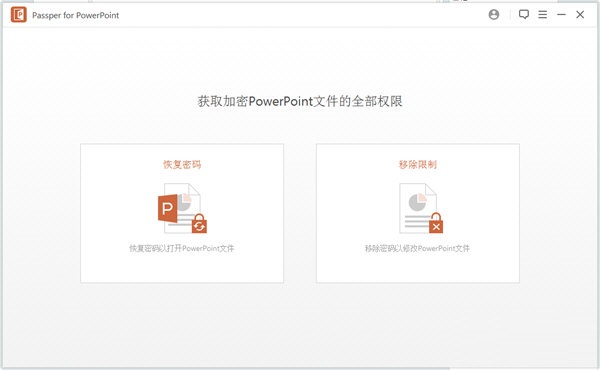
Use this app to regain access to your PowerPoint presentations, allowing you to recover your password or remove any editing or formatting restrictions.
Recover Open PowerPoint Password:
Recover lost or forgotten PowerPoint password without affecting PowerPoint data.
Unlock Read-Only PowerPoint Files:
Remove the restrictions in read-only PowerPoint files so that you can edit, copy, and print these files.
Dictionary Attack:
This type of attack uses a database available on the software. The database is updated regularly with the latest passwords. You can even use your own database.
Combo Attack:
This attack mode allows you to specify any of the characters that make up the password, and the program randomly combines them in turn to find the password.
Mask Attack:
This method is useful if you know some of the parameters of your password. A common reference can be the length of the password, the suffix, the suffix, or the number of letters.
Brute Force Attack:
If you don't remember any passwords, you can opt for this option. This will take more time than the other two attack types. The attack type tries all possible options to find the password. You don't need to configure any settings. The software will look for all possible alternatives.
Passper for PowerPoint software features:
Simple and intuitive operator interface
Users will immediately notice that when creating the interface, the developers of the application keep simplicity in mind. Two big recognizable features will enable you to recover your lost password or remove all the pending restrictions on your files.
However, when you select either of the two options, there is no drag-and-drop support for adding files. The program also doesn't support batch processing. This can be unsettling for those who need to boost their processing power and prefer an efficient workflow.
A step-by-step recovery process that can be aided by providing hints or password details
If the user has managed to enter the PowerPoint file for recovery, then the process of retrieving the lost password will be accompanied by a step-by-step wizard. There are three decryption methods available, and choosing one will lead to a series of user inputs required steps.
Since these steps can be useful, it can be a hassle for users not to have to provide password details such as potential length, prefix or suffix, letter capitalization, and many more. Maybe a person doesn't remember any details about the password, so all these extra steps will only make the whole recovery process less efficient.
Powerful PowerPoint file password recovery software with recovery wizard
This application helps users to solve the problem of PowerPoint document password loss. The application has a multi-step recovery wizard and many details may need to be configured for retrieval.
Passper for PowerPoint installation steps
In Huajun Software Park, download the software package, unzip it, and run the "EXE. file"
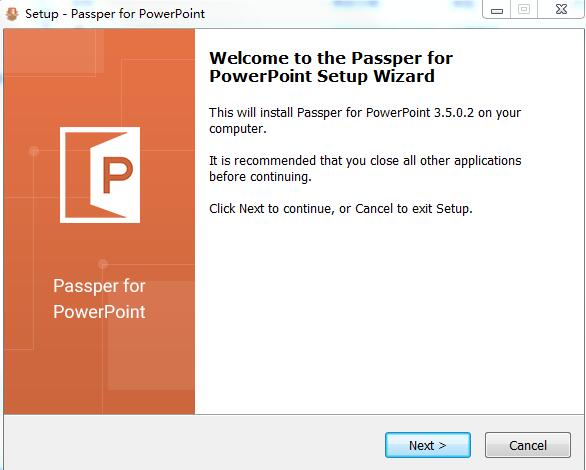
Double-click to open the installation wizard and click Next
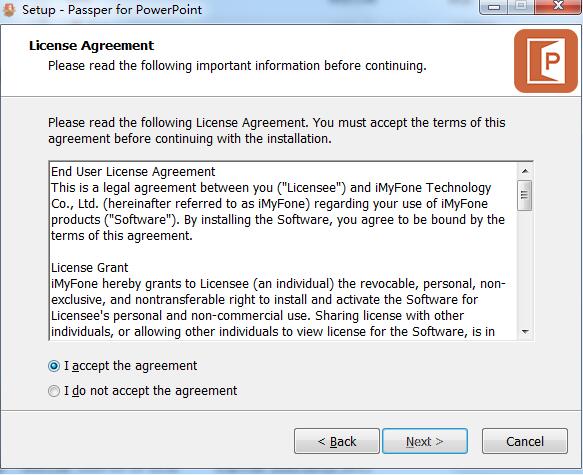
Read the license agreement, click "I accept" and click Next
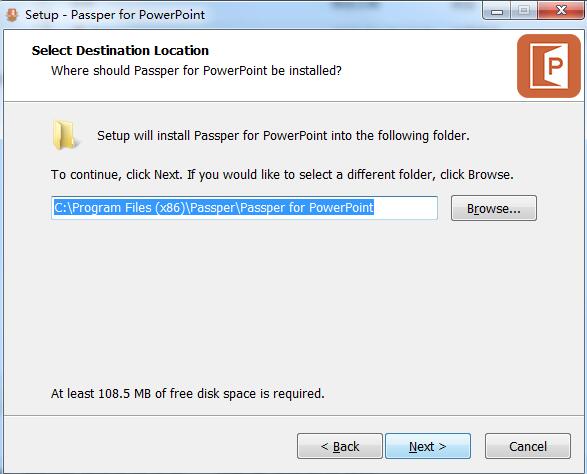
Select the installation location and click Next
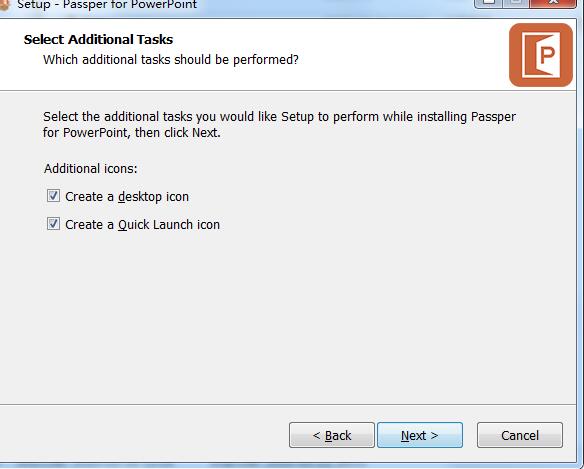
Select Additional Tasks and click Next
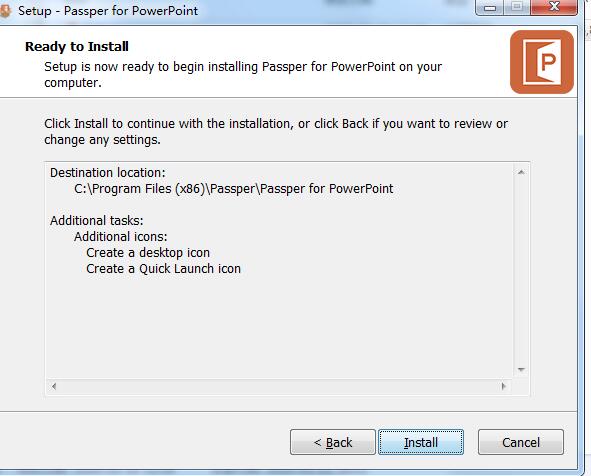
Click install
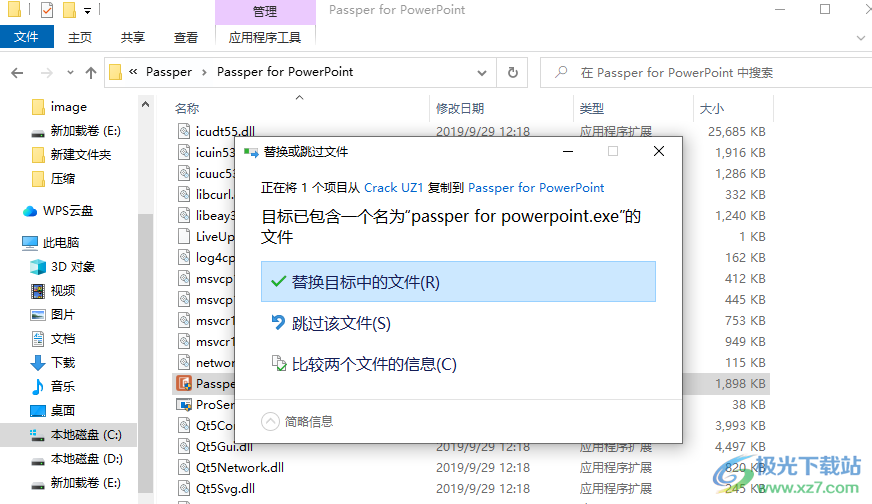
Replace the patch passper for powerpoint.exe by copying it to the installation address of the software
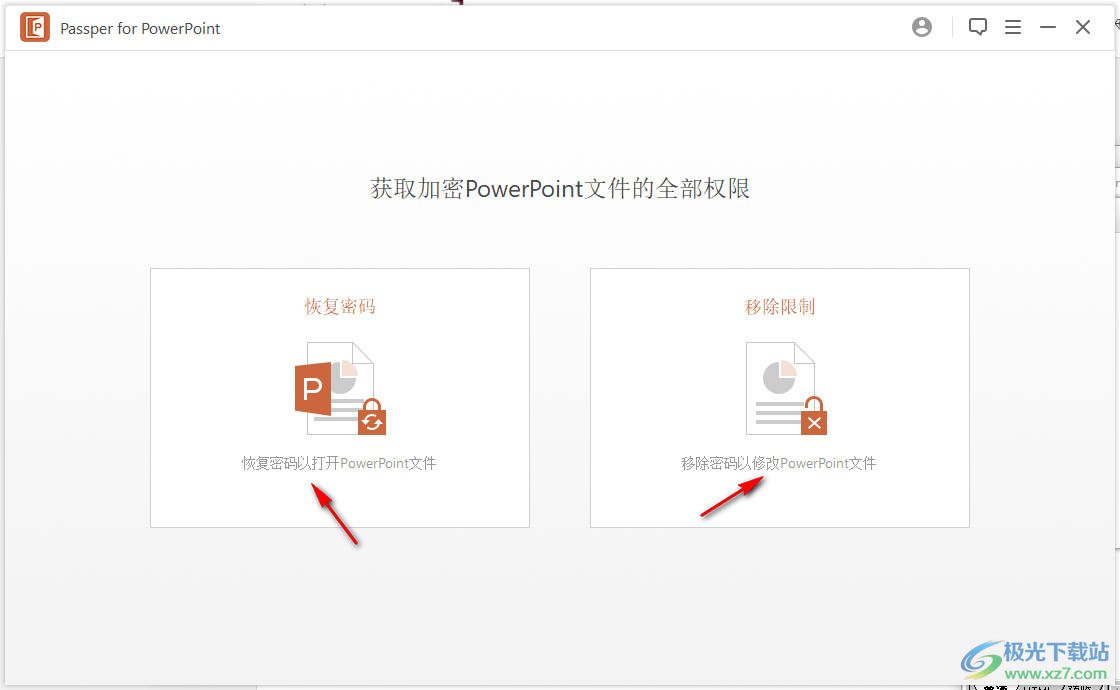
Launch Passper for PowerPoint software and you can directly choose a password recovery method to use
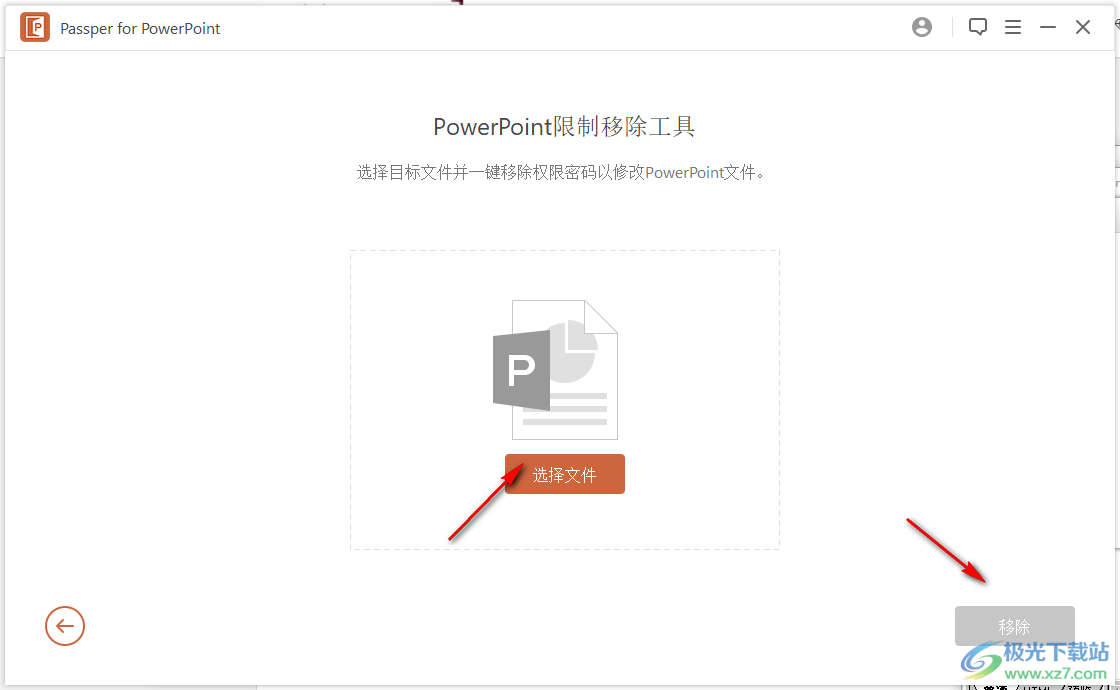
5. Remove the password function, add PPT to the software and click the remove button
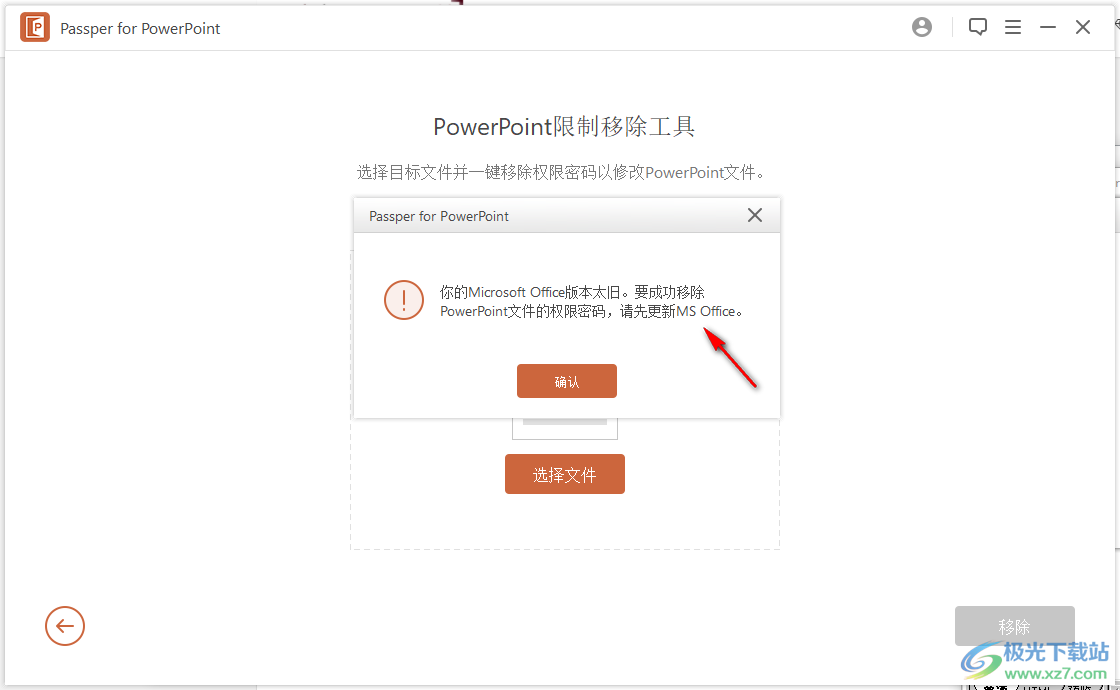
6. Prompt: You need to have MS office software on your computer, if PowerPoint is installed on your computer, it will be used normally
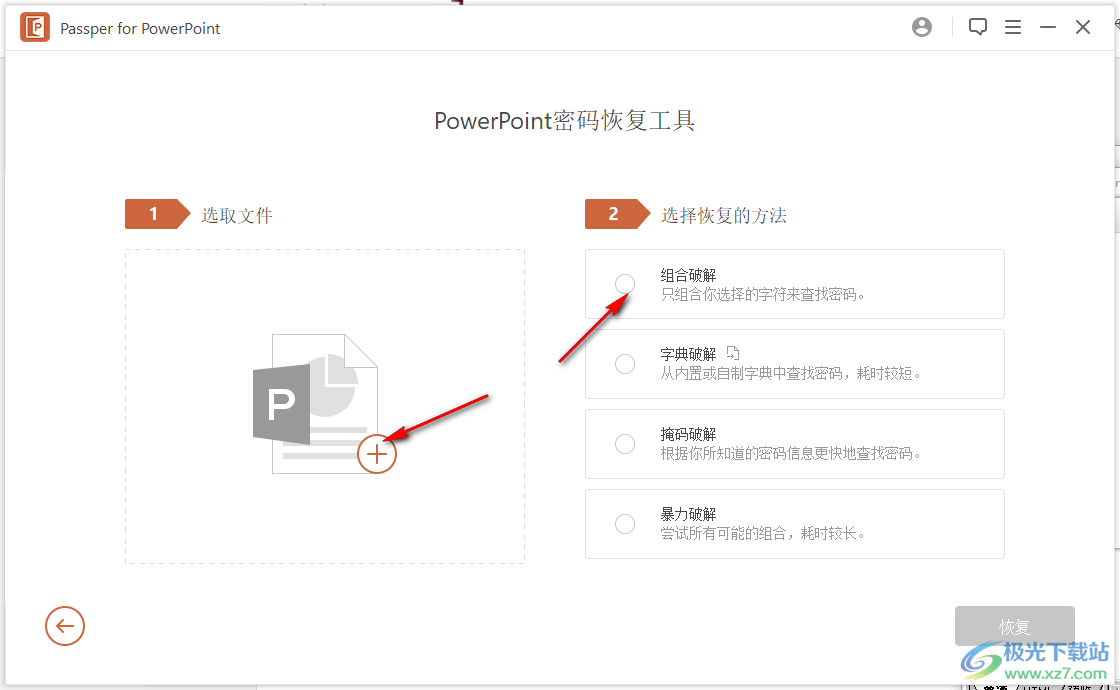
7. In the password recovery interface, you can choose the combination function and directly set the password combination recovery ppt
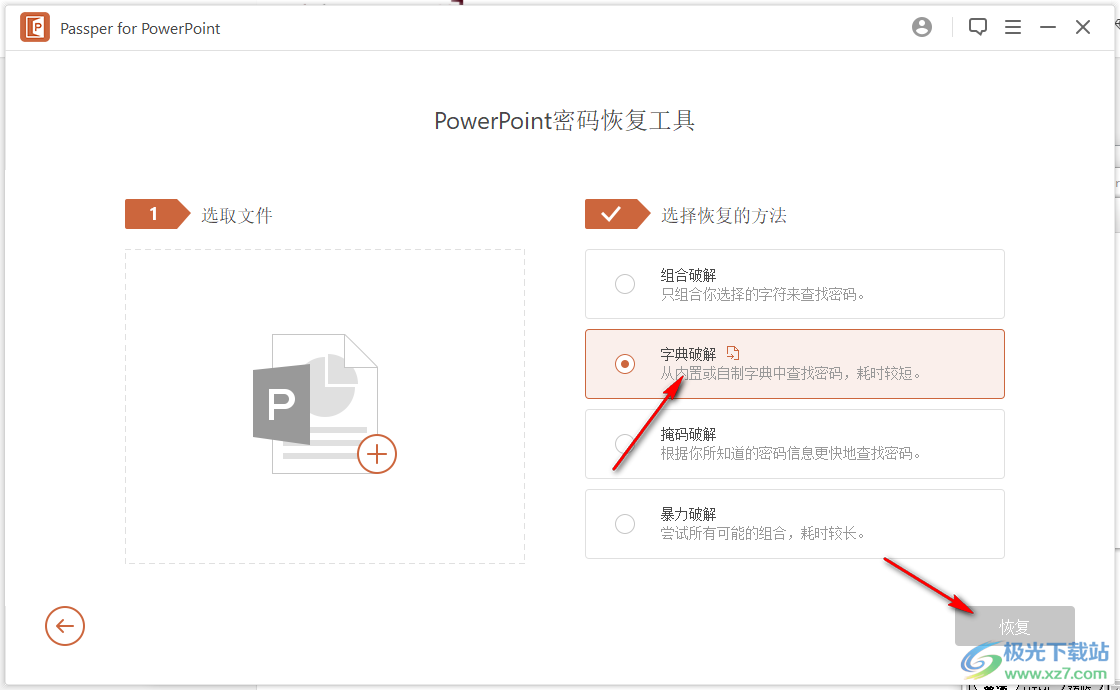
8. You can select the dictionary function, load the dictionary provided by the software and click to recover
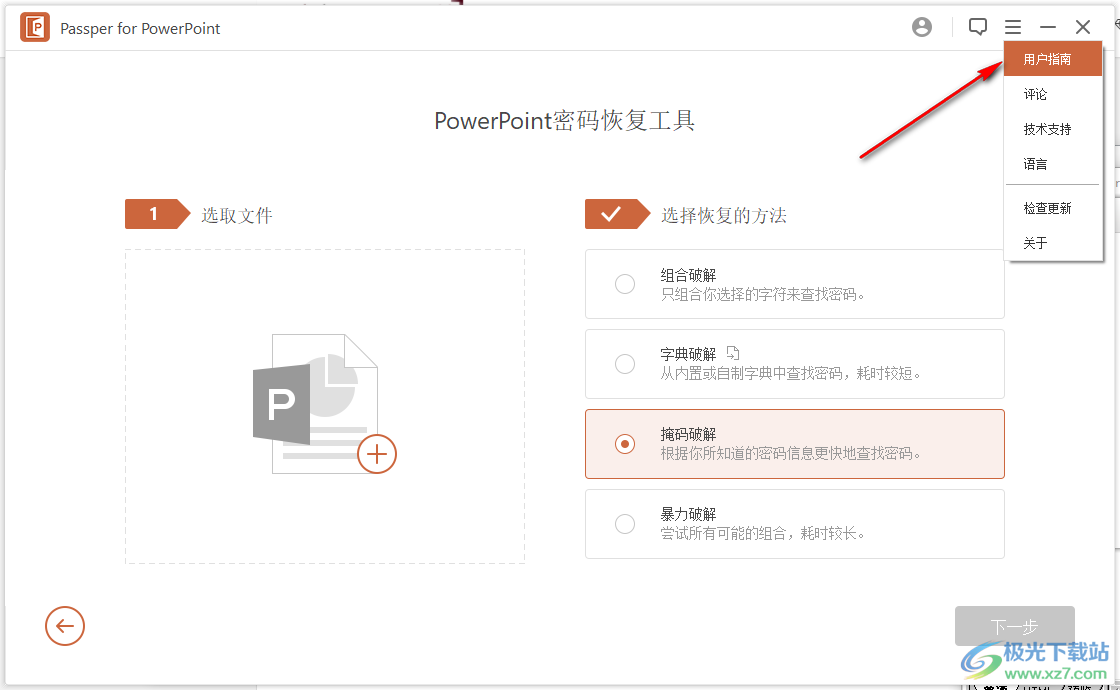
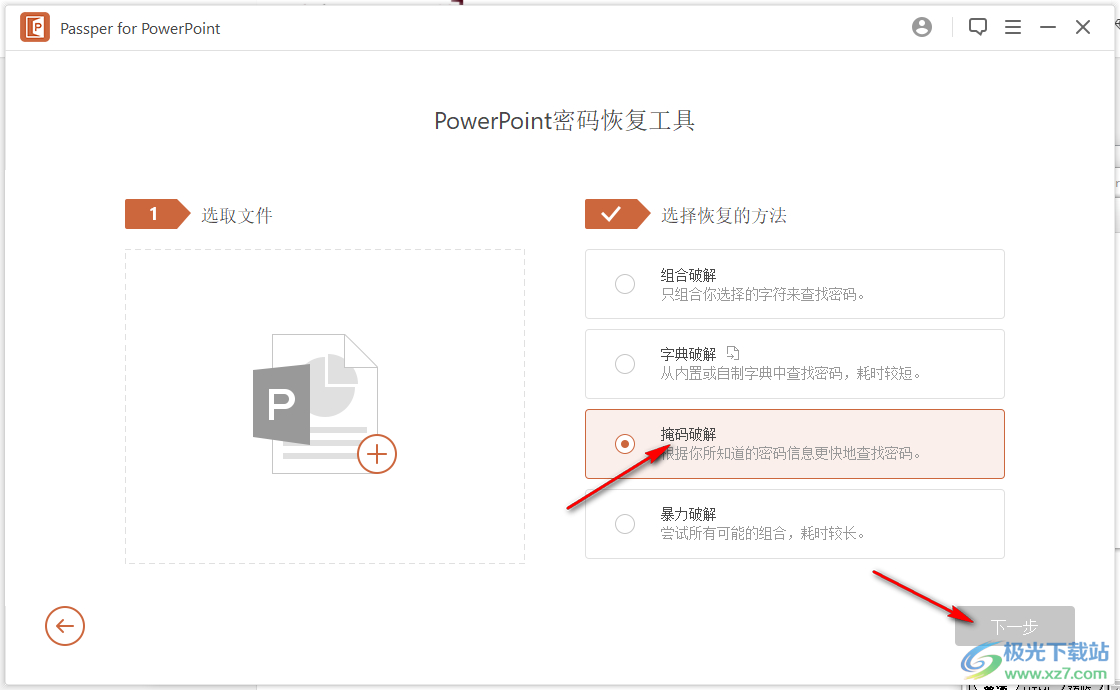
9. It also supports the mask function, if you know part of the mask content, click the mode, and click the next step to set the mask
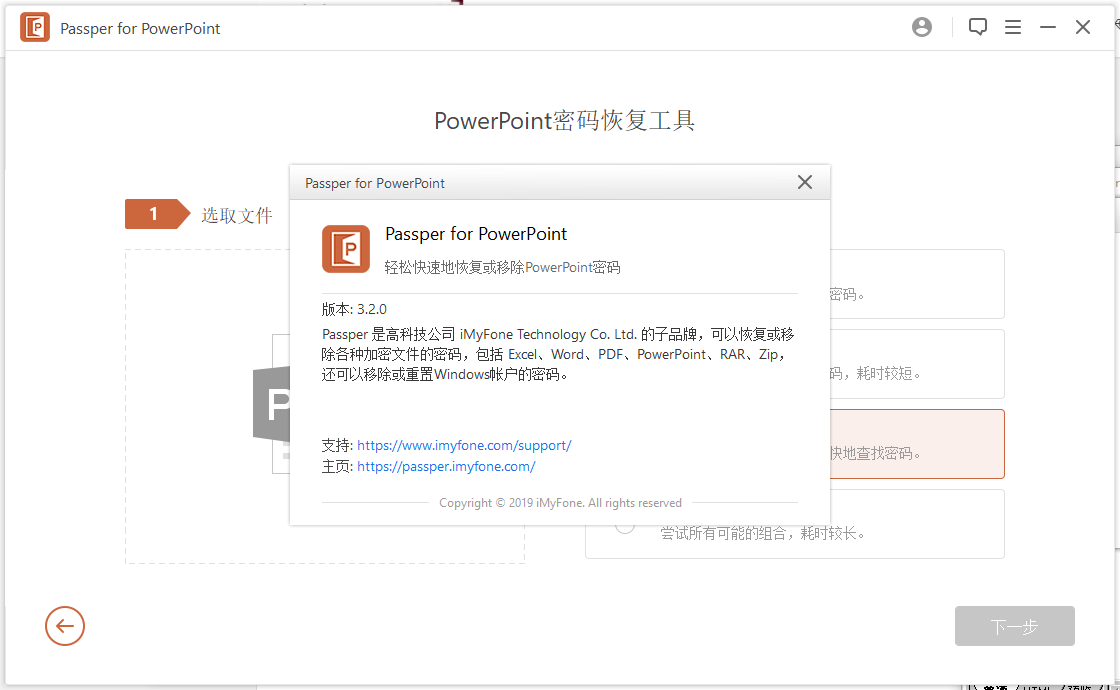
10. Click on the user guide to view the official tutorial, and immediately know how to use Passper for PowerPoint